

Structured forests for fast edge detection#
Introduction#
In this tutorial you will learn how to use structured forests for the purpose of edge detection in an image.
Examples#
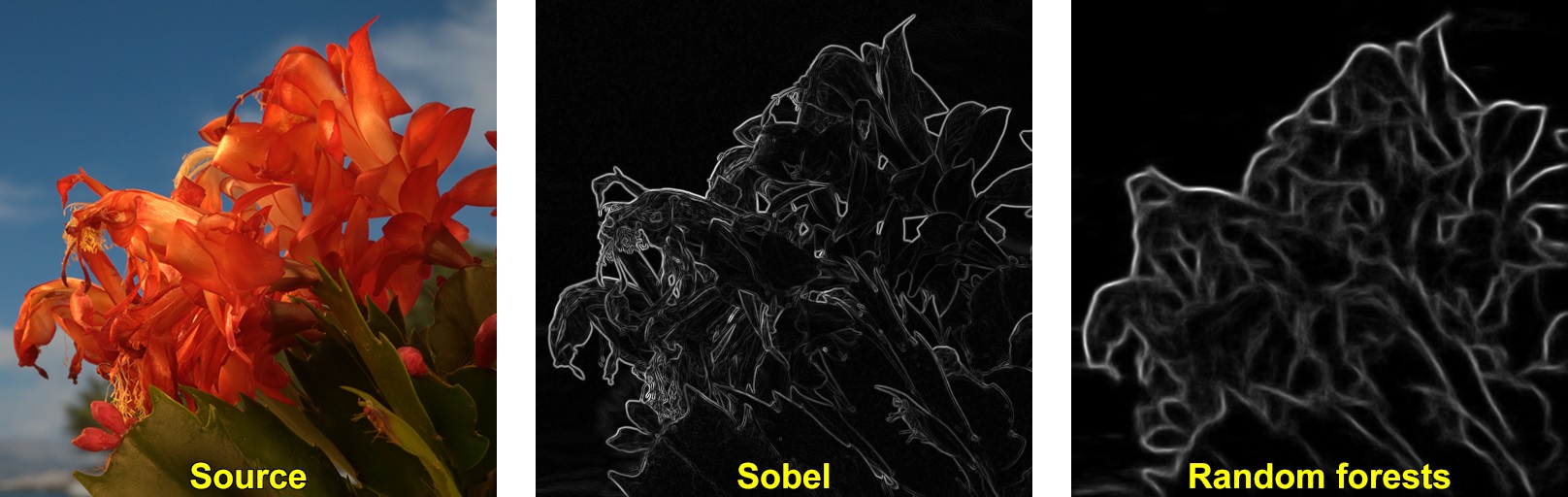
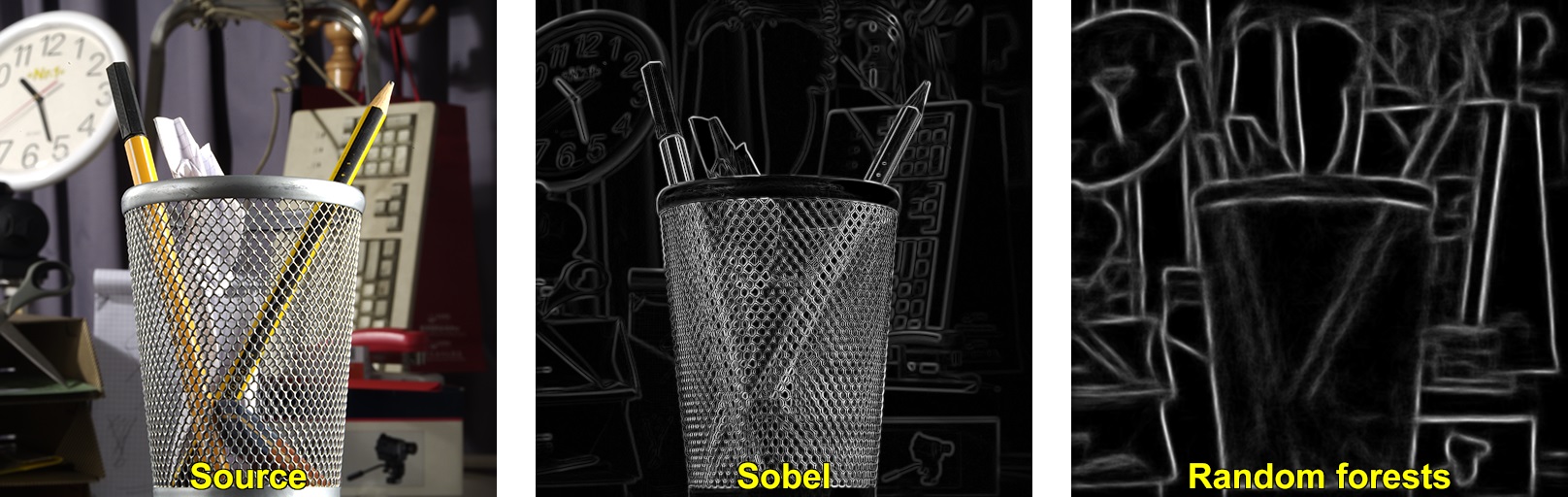
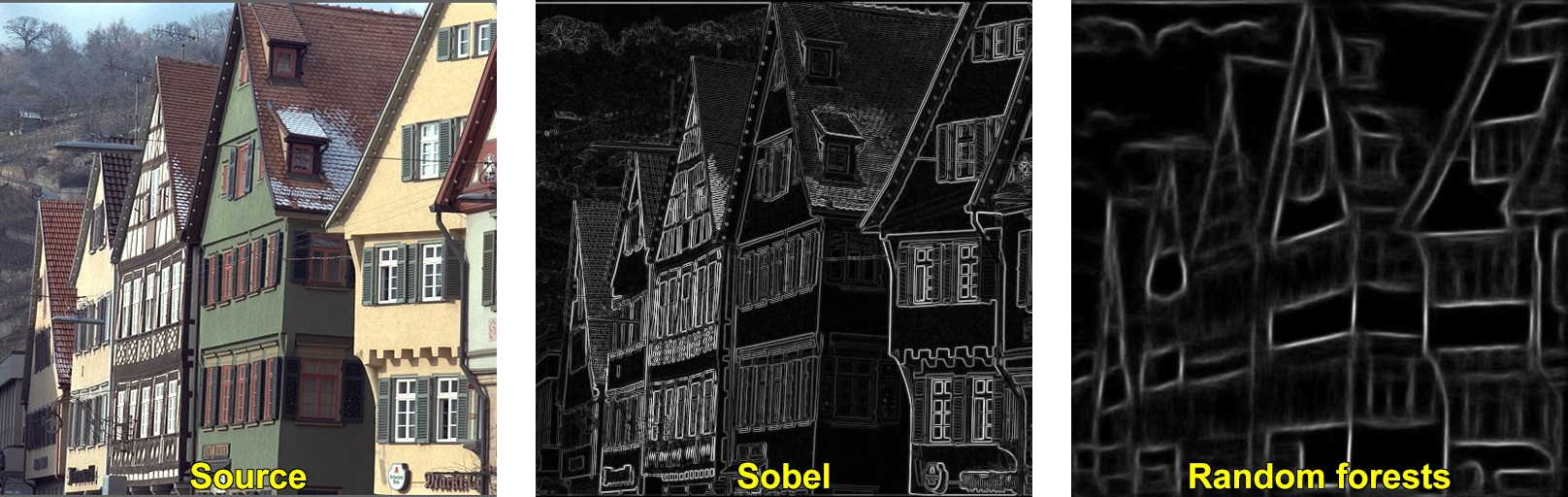
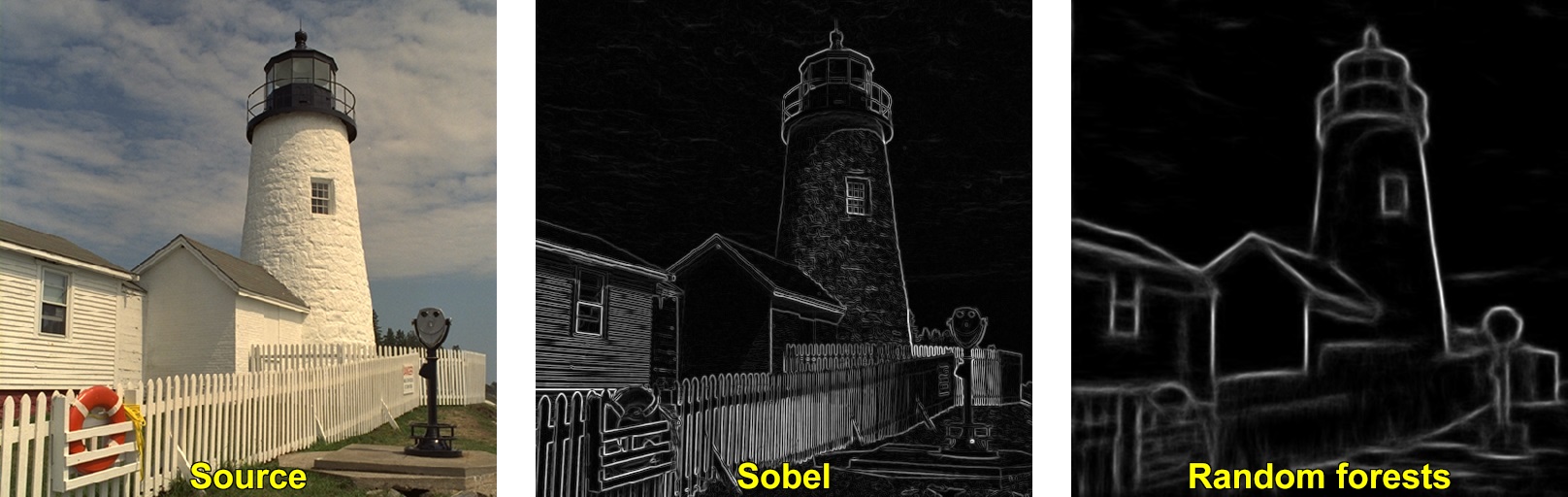
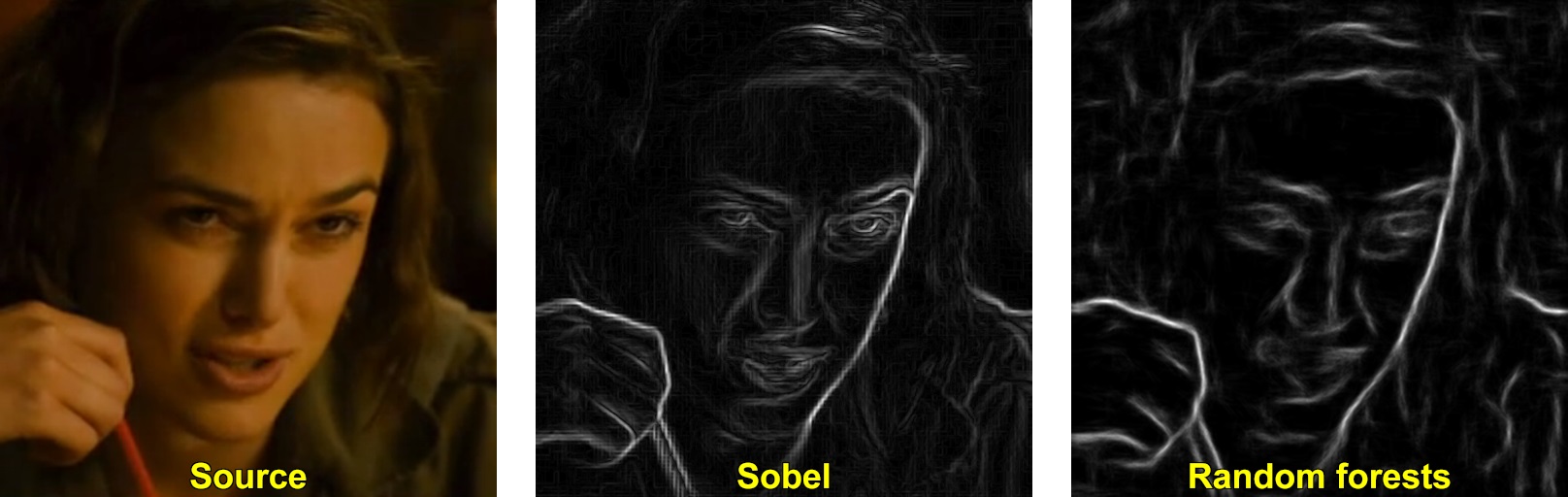
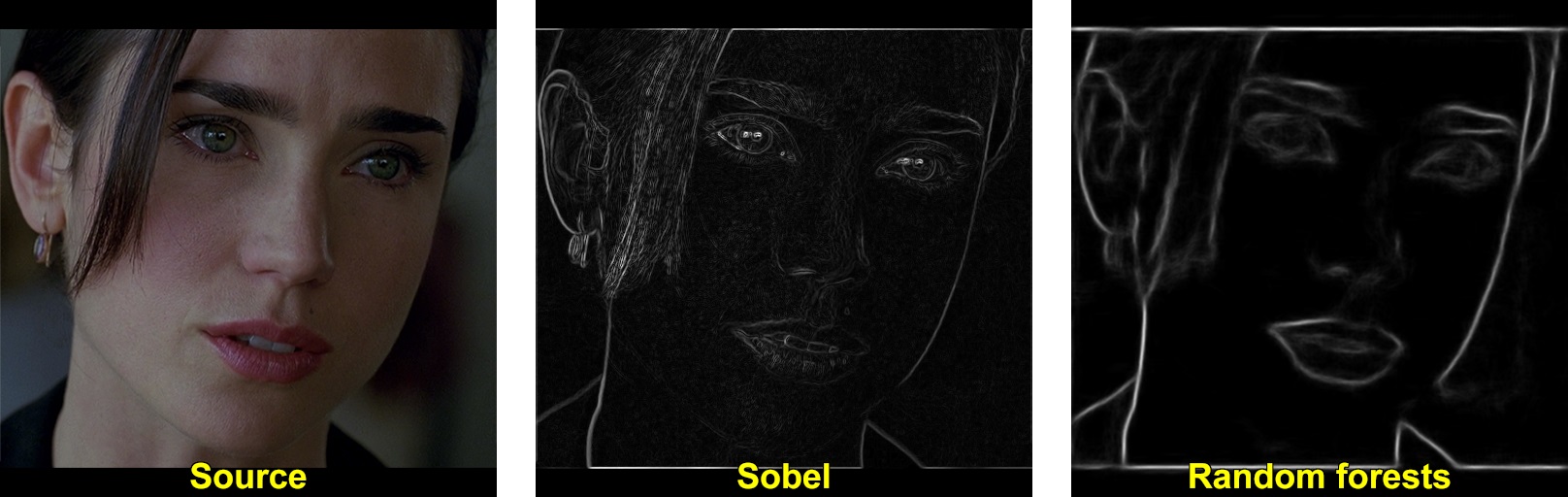
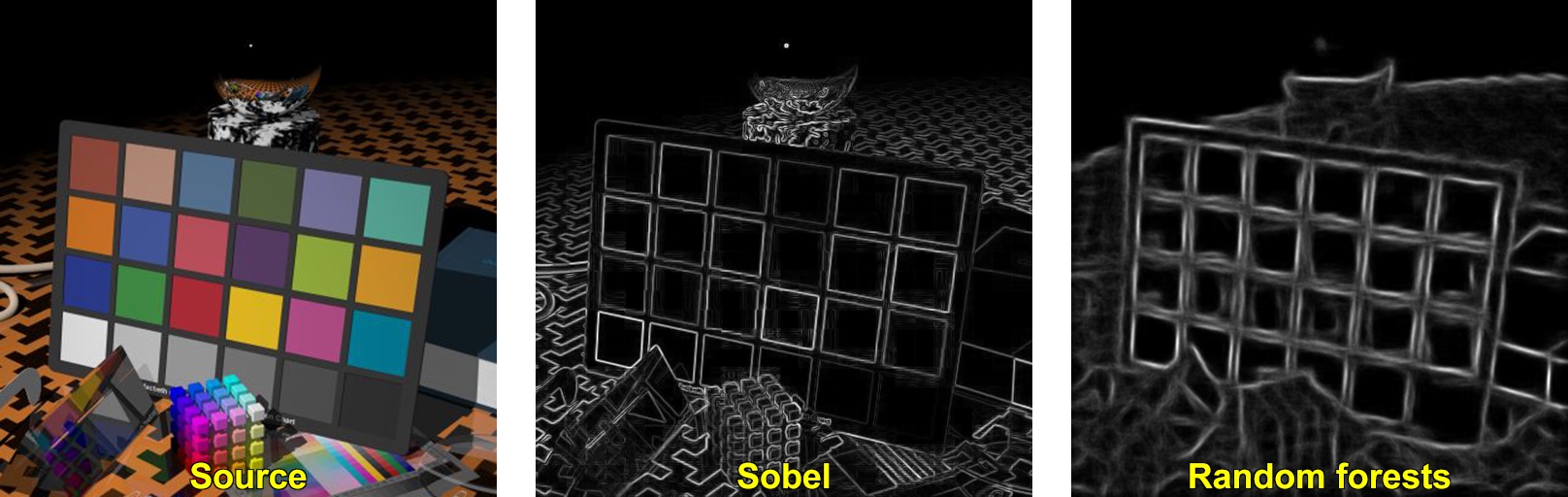
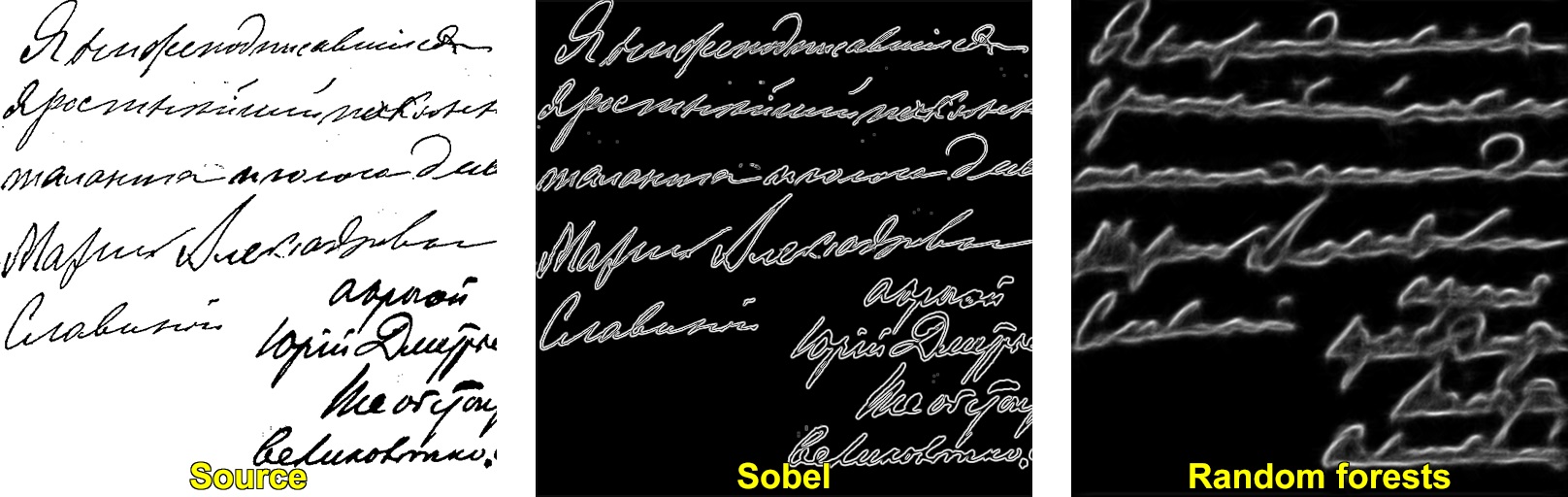
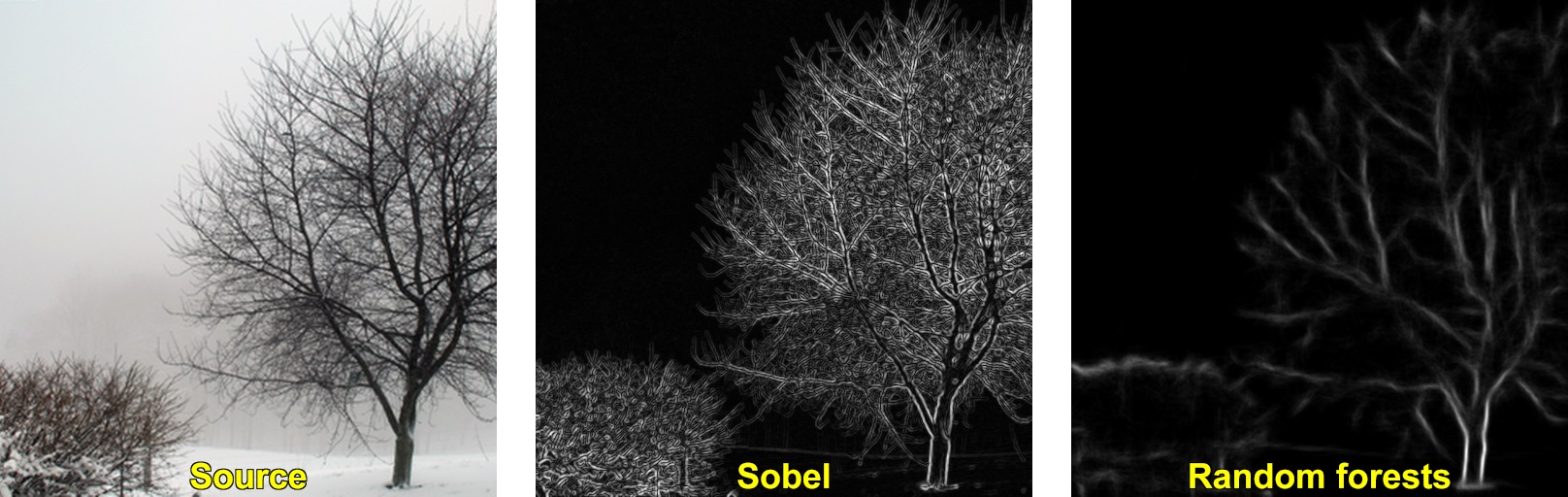
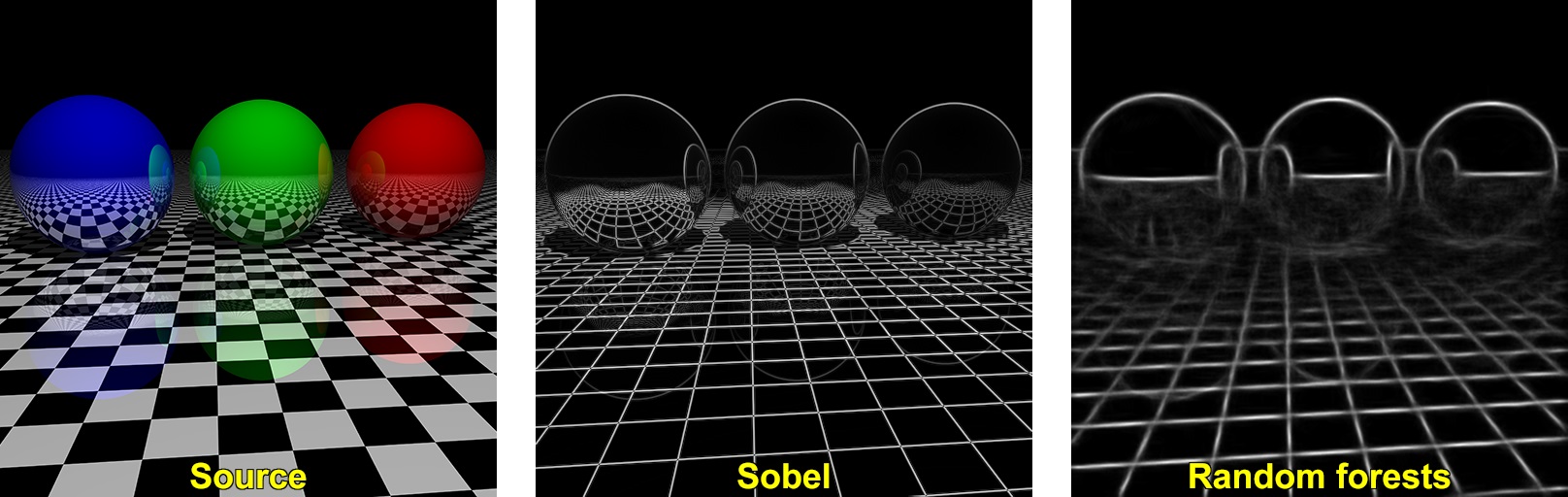
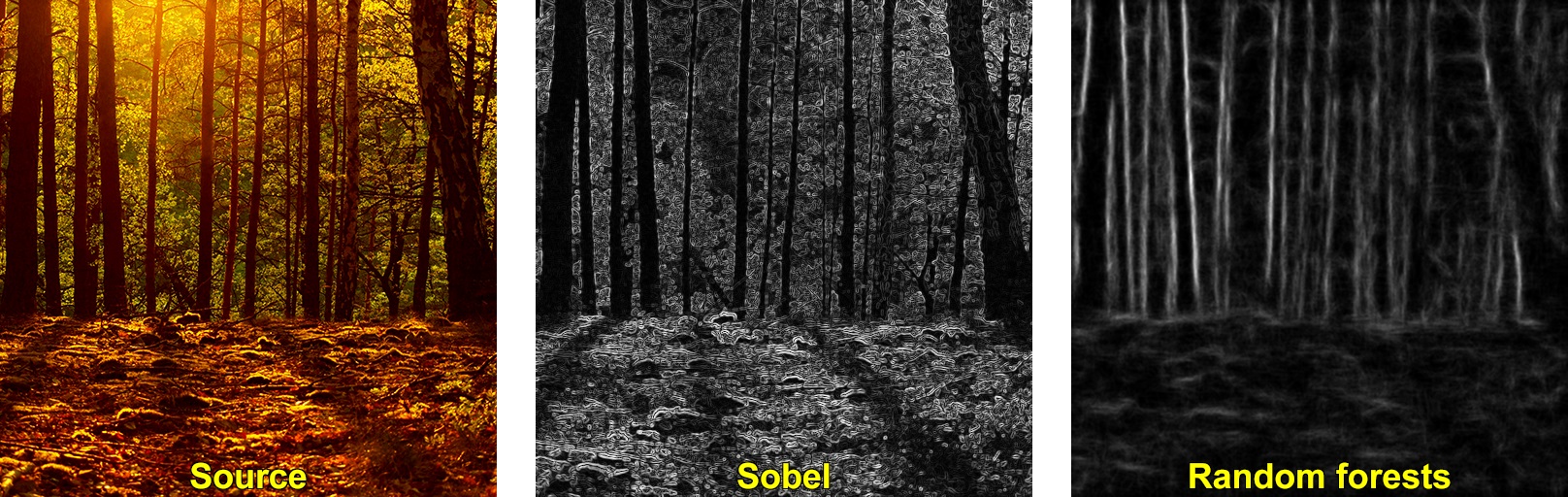
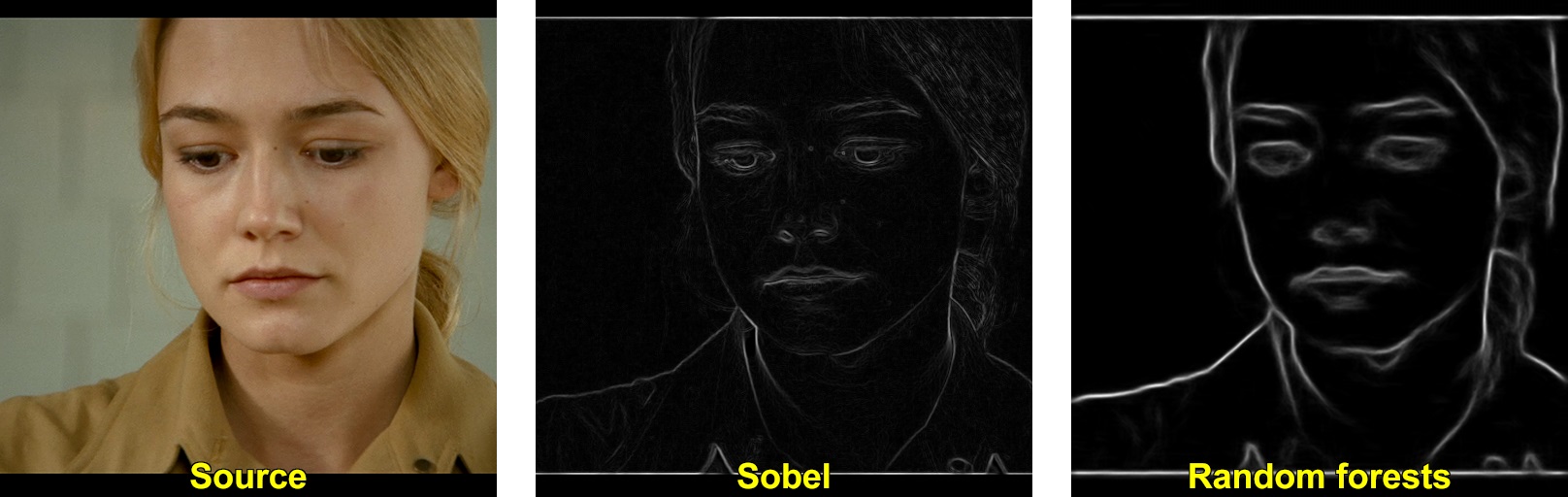
Note
binarization techniques like Canny edge detector are applicable to edges produced by both algorithms (Sobel and StructuredEdgeDetection::detectEdges).
Source Code#
#include <opencv2/ximgproc.hpp>
#include "opencv2/highgui.hpp"
#include <iostream>

using namespace cv;
using namespace cv::ximgproc;

const char* keys =
{
    "{i || input image file name}"
    "{m || model file name}"
    "{o || output image file name}"
};

int main( int argc, const char** argv )
{
    CommandLineParser parser(argc, argv, keys);
    parser.about("This sample demonstrates usage of structured forests for fast edge detection");
    parser.printMessage();

    if ( !parser.check() )
    {
        parser.printErrors();
        return -1;
    }

    String modelFilename = parser.get<String>("m");
    String inFilename = parser.get<String>("i");
    String outFilename = parser.get<String>("o");

    Mat image = imread(inFilename, IMREAD_COLOR);
    if ( image.empty() )
        CV_Error(Error::StsError, String("Cannot read image file: ") + inFilename);

    if ( modelFilename.size() == 0)
        CV_Error(Error::StsError, String("Empty model name"));

    image.convertTo(image, DataType<float>::type, 1/255.0);

    TickMeter tm;
    tm.start();
    Ptr<StructuredEdgeDetection> pDollar =
        createStructuredEdgeDetection(modelFilename);

    tm.stop();
    std::cout << "createStructuredEdgeDetection() time : " << tm << std::endl;

    tm.reset();
    tm.start();
    Mat edges;
    pDollar->detectEdges(image, edges);
    tm.stop();
    std::cout << "detectEdges() time : " << tm << std::endl;

    tm.reset();
    tm.start();
    // computes orientation from edge map
    Mat orientation_map;
    pDollar->computeOrientation(edges, orientation_map);

    // suppress edges
    Mat edge_nms;
    pDollar->edgesNms(edges, orientation_map, edge_nms, 2, 0, 1, true);

    tm.stop();
    std::cout << "nms time : " << tm << std::endl;

    if ( outFilename.size() == 0 )
    {
        imshow("edges", edges);
        imshow("edges nms", edge_nms);
        waitKey(0);
    }
    else
        imwrite(outFilename, 255*edges);

    return 0;
}
Explanation#
Load source color image
Convert source image to float [0;1] range
Run main algorithm
Ptr<StructuredEdgeDetection> pDollar =
    createStructuredEdgeDetection(modelFilename);
Mat edges;
pDollar->detectEdges(image, edges);
Show results
Literature#
For more information, refer to the following papers : [81] [187]